跳至内容
跳至内容 
目录
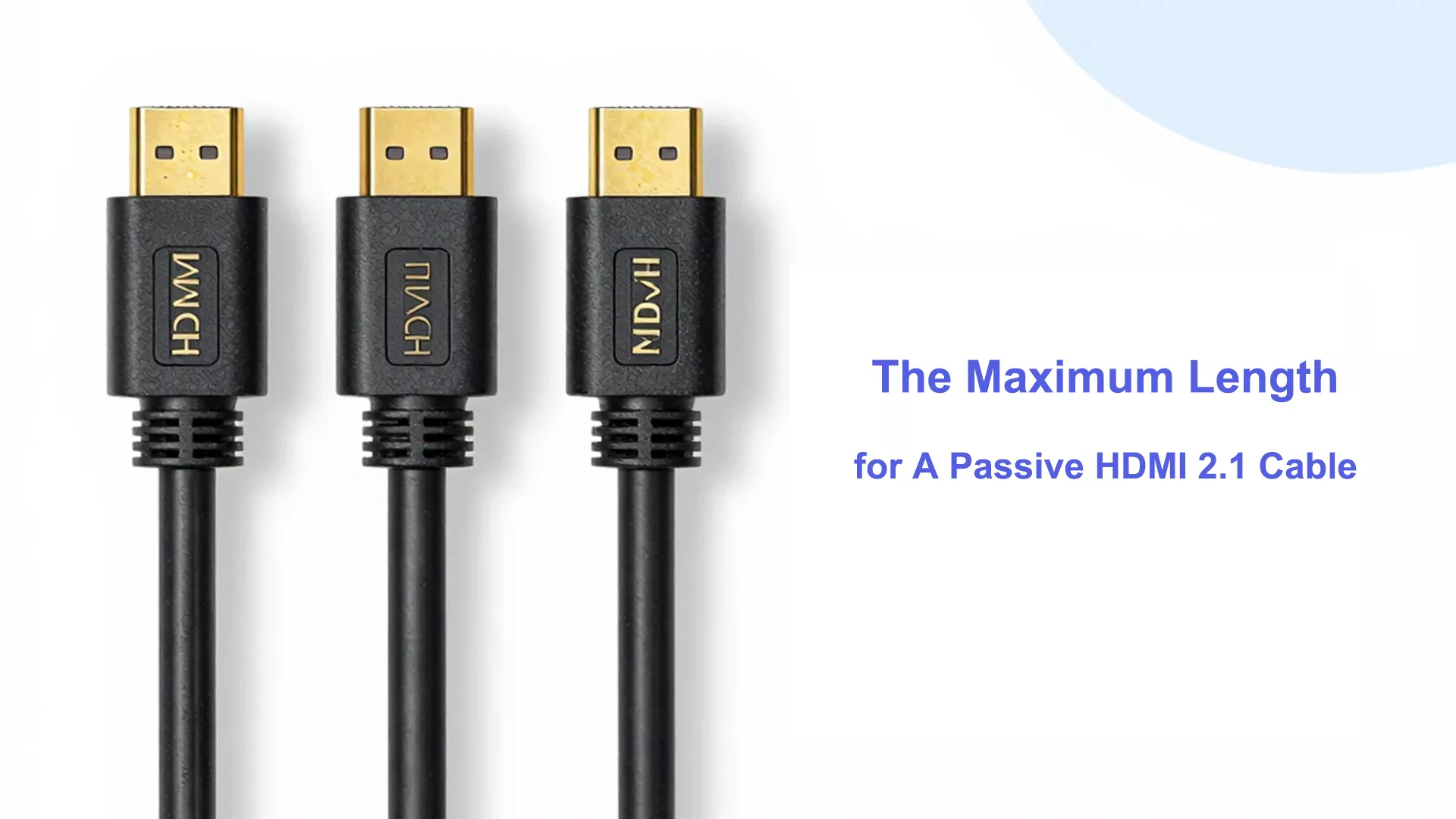
The maximum reliable length for a passive HDMI 2.1 cable to transmit the full 48Gbps bandwidth (supporting 8K@60Hz or 4K@120Hz) is typically 3 meters (about 10 feet). Beyond this length, severe signal attenuation occurs, leading to black screens or flickering. For AV installations requiring lengths greater than 3 meters, an 有源光缆(AOC) is highly recommended to guarantee lossless signal transmission.
关键要点
- Passive HDMI 2.1 cables work best up to 7.6 meters. This is about 25 feet. This length gives good performance.c
- Cables longer than 3 meters can lose signal. You might see flickering or no picture.
- Check for the ‘Ultra High Speed’ label on cables. This label means the cable works for 4K and 8K video.
- Cable quality is important. Pick cables with strong shielding and thick wires. This helps keep the signal strong over distance.
- Keep HDMI cables away from power cords. Also, keep them away from wireless devices. This helps stop electromagnetic interference.
- For longer distances, use active HDMI cables or fiber optic cables. These help keep the signal good.
- Always clean the connectors before you use them. This stops bad contact and signal problems.
- If you have signal problems, try a shorter cable. You can also lower the video resolution to help performance.
Passive HDMI 2.1 Cables
What Is a Passive HDMI Cable
You might wonder what makes a cable “passive.” A passive HDMI 2.1 cable uses shielded copper wires to send signals. It connects your device to your screen. There are no built-in electronics or boosters inside. The cable depends only on the signal from your device. This simple design makes the cable cheap and easy to use.
New HDMI 2.1 cables work better than old ones. Features like Source-Based Tone Mapping (SBTM) help your device show better HDR images. Enhanced Audio Return Channel (eARC) lets you hear advanced audio like Dolby Atmos and DTS:X. HDMI 2.1 cables can handle up to 48Gbps bandwidth. This is much more than older HDMI cables. The extra bandwidth lets you watch 4K and 8K videos with high refresh rates.
提示: 这 cable’s quality, how you bend it, and the resolution or refresh rate you use can all change how well your passive HDMI 2.1 cable works.
Passive vs. Active HDMI Cable
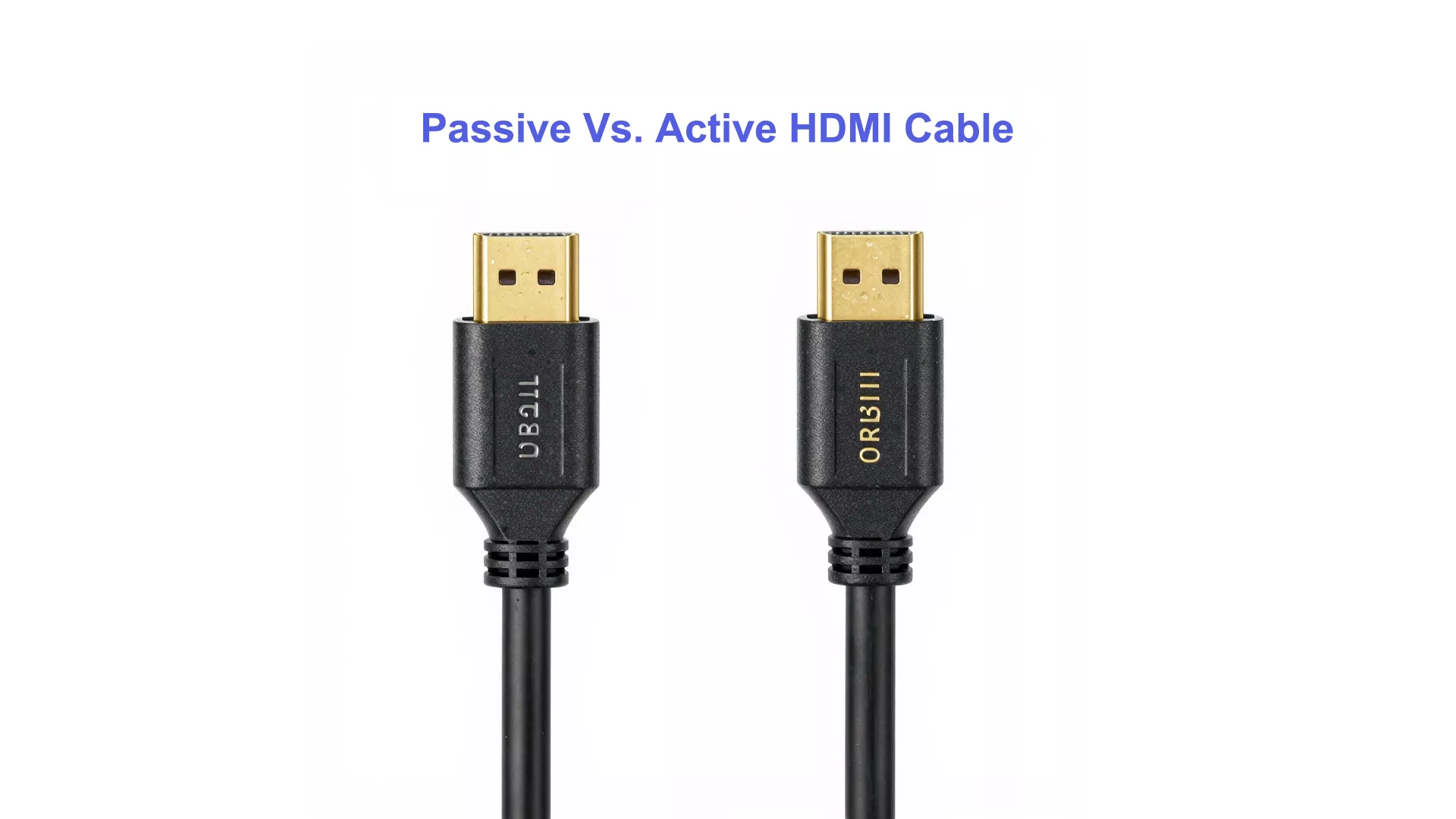
You may see both passive and active HDMI cables in stores. The main difference is how they send signals over distance. Passive HDMI 2.1 cables work best for short distances, usually up to 10 feet. The signal can get weaker if the cable is longer. Active HDMI cables have built-in tech to boost the signal. This lets you use much longer cables, sometimes up to 300 feet (Active Optical Cables), without losing quality.
Here is a quick comparison:
特征 | Passive HDMI 2.1 Cable | Active HDMI Cable |
Maximum Length | Up to 10 feet | Can extend much further |
Construction | Shielded copper wiring | Signal boosting technology |
Signal Quality | May degrade beyond 10 feet | Maintains quality over longer distances |
Passive cables are good for most home setups. Active cables are better for big rooms or when you need to hide cables in walls or ceilings.
Passive HDMI Cable Typical Uses
You will see passive HDMI 2.1 cables in many daily situations. Most people use them to connect TVs, gaming consoles, or soundbars in their living rooms. These cables work well when your devices are close together.
Here are some common places where you might use passive HDMI 2.1 cables:
Environment | 描述 |
Home Theater | Connects devices like Blu-ray players, game consoles, and streaming boxes. |
Conference Rooms | Good for simple setups with cables hidden in walls for a neat look. |
- Home users pick passive cables because they are simple and work well.
- Conference rooms use passive cables when the cable is short and hidden for a tidy look.
If you need to go a longer distance, you should try active HDMI cables or other options. For most homes and offices, a passive HDMI 2.1 cable gives you the speed and quality you need without making things complicated.
The Engineering Behind the Limit: Why 3 Meters?
The Physics of Signal Degradation: Why the 10ft (3m) Threshold Matters
In the realm of Ultra High Speed HDMI® (Category 3), the physics of high-speed signaling is unforgiving. As data rates climb to 48Gbps (FRL – Fixed Rate Link), even premium 28AWG copper conductors encounter a “brick wall” of signal attenuation.
According to the HDMI 2.1a Specification, to maintain a Bit Error Rate (BER) of less than 10⁻¹², a cable must stay within strict Insertion Loss (IL) 和 Total Jitter limits. In our laboratory tests, we’ve observed that beyond the 3-meter mark, insertion loss in passive copper typically exceeds the -8dB threshold at 6GHz, leading to signal dropouts or the dreaded “no signal” screen. This is why the HDMI Forum primarily focuses its Ultra High Speed certification on lengths up to 3 meters for passive copper.
From a manufacturing and engineering perspective, pushing 48 Gigabits per second through standard copper wires is a significant physical challenge. The limitation of passive HDMI 2.1 cables boils down to two critical factors: Signal Attenuation 和 Electromagnetic Interference (EMI).
When high-frequency FRL (Fixed Rate Link) signals travel through copper wiring, electrical resistance increases with distance. By the time a 48Gbps signal reaches the end of a 5-meter passive cable, the “eye diagram” (a standard laboratory measurement for signal integrity) often collapses. This results in high bit-error rates (BER), causing HDCP handshake failures, dropped frames, or the dreaded “No Signal” display.
For commercial integrators, contractors, and wholesale buyers, understanding these physical limits is the key to reducing replacement costs and eliminating post-installation troubleshooting. Specifying the correct cable technology for the required distance significantly lowers your clients’ decision resistance, ensuring a “plug-and-play” experience that builds long-term trust.
Maximum Reliable Length for Passive HDMI 2.1 Cables
Certified Lengths
You might wonder how far a passive HDMI 2.1 cable can go before the signal gets weak. The Ultra High Speed HDMI certification says these cables work best up to 3 meters, which is about 10 feet. This length helps you watch 4K or 8K video with smooth pictures and no signal problems.
- The best length for passive Ultra High Speed HDMI cables is `s, or 10 feet.
- Some cables might reach 7.6 meters, or 25 feet, but you could see the screen flicker or lose signal.
If you use a cable longer than the certified length, you might see the screen flicker, hear sound dropouts, or lose the picture. Always look for the Ultra High Speed HDMI label when buying a cable. This label means the cable passed tough tests for speed and reliability.
Factors Affecting Length
How far a passive HDMI 2.1 cable works depends on a few things. Not every cable works the same, even if they look alike.
Cable Quality
Cable quality matters a lot for sending signals far. Good wires help the signal move better and reduce resistance. Bad cables might not have enough shielding, so the signal can get weak or mixed up. Try not to bend the cable too much, because that can hurt the wires inside.
Indicator | Impact on Length and Reliability |
Cable Quality | Good wires help signals travel farther and better. |
Cable Bending | Bending too much can make the signal worse. |
解决 | Higher resolutions need better cables and shorter lengths. |
Refresh Rate | Faster refresh rates need more data, so cables must be shorter. |
To get the longest reliable length, pick a cable with thick wires and strong shielding. Look for “Ultra High Speed” on the package.
Environment
Where you put your cable can change how well it works. Things like wireless routers, Bluetooth speakers, and phones can cause electromagnetic interference, or EMI. EMI can make the HDMI signal weaker, especially if the cable does not have good shielding.
Cables should not give off much EMI. This helps stop problems with streaming players, Bluetooth devices, phones, and wireless controllers or headphones. Other devices can also make EMI, and that can mess up cables if they are not made well or do not have enough shielding.
Keep your HDMI cable away from power cords and other electronics. If you run the cable through a wall or ceiling, make sure it is not close to things that cause interference.
Struggling with Signal Loss Over 5 Meters?
Real-World Scenarios and Cable Limits
Some passive HDMI 2.1 cables might work longer than 5 meters. In real life, a good cable can sometimes reach 7.6 meters, or 25 feet, without big problems. But the best length still depends on your video resolution and refresh rate.
Factor | Impact on Cable Length |
Cable Quality | Better cables help signals travel farther. |
解决 | Higher resolutions make cables work harder, so they must be shorter. |
Refresh Rate | Faster refresh rates need more data, so cables must be shorter. |
If you lower your resolution from 8K to 4K, you might get a longer cable length. For example:
- A good HDMI 2.1 cable can show 8K at 15 meters, or 50 feet.
- Lowering to 4K can make the signal better and let the cable work longer.
- Passive HDMI 2.1 cables usually start to lose signal at about 5 meters for 8K and 15 meters for 4K.
- Active HDMI cables can go up to 100 feet, or 30 meters, because they boost the signal.
Passive HDMI cables do not have boosters inside. If you need a cable longer than the best length, you should use an active HDMI cable or another solution.
HDMI Cable Technical Limits
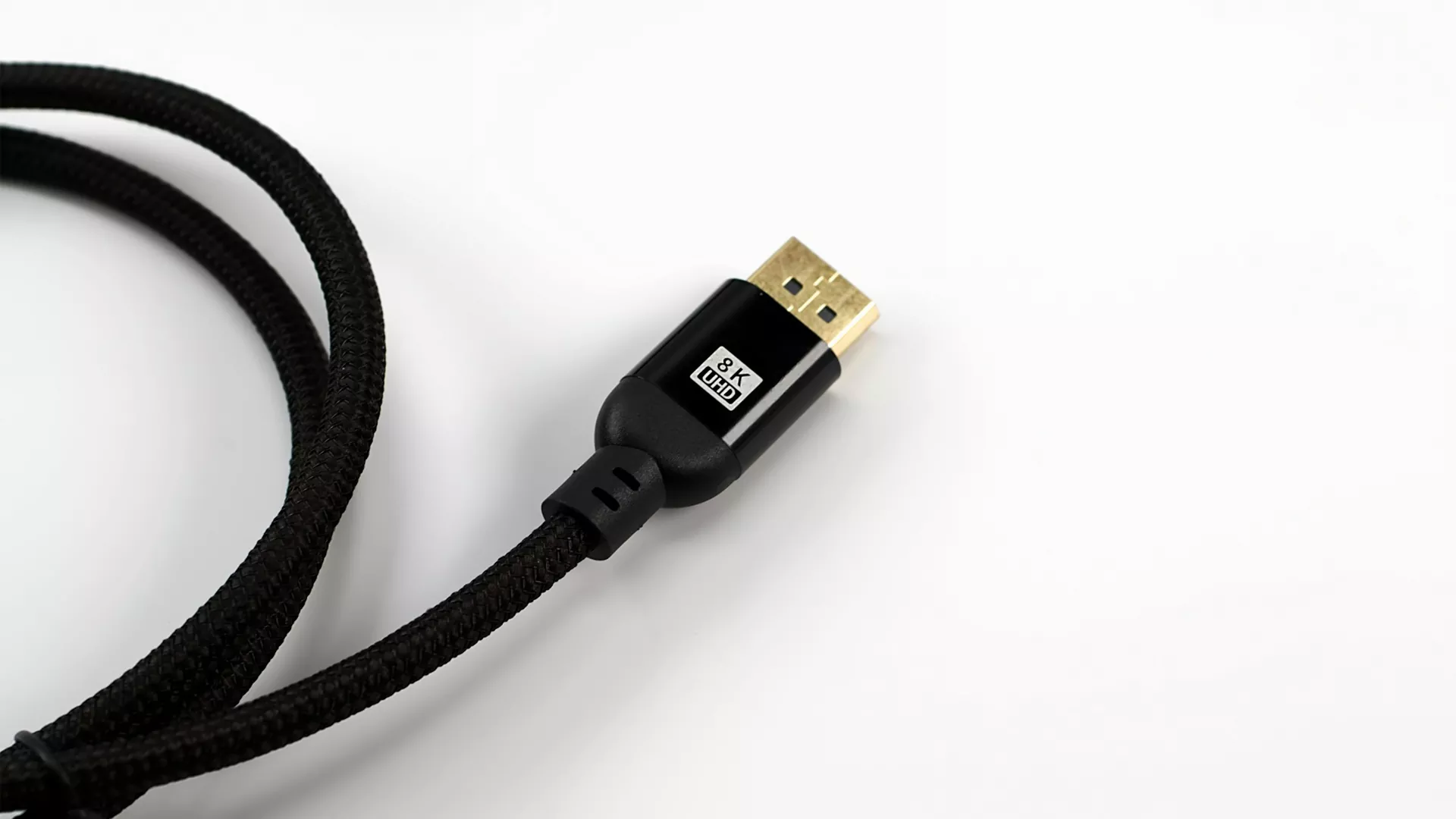
Bandwidth Needs
It is important to know how much data goes through an HDMI 2.1 cable. These cables can move up to 48Gbps of data. This fast speed lets you watch 4K video at 120Hz or 8K video at 60Hz. The high bandwidth also helps with things like HDR and better audio. If your cable cannot handle this much data, you might see problems with the picture or sound. The cable needs to keep up with what new TVs and game systems need. When your cable meets these needs, you get sharp pictures and smooth movement.
信号丢失
Signal loss means the data gets weaker as it travels in the cable. Longer cables make this problem worse. You might see the screen flicker, lose some pixels, or hear sound cut out. The table below shows what can cause signal loss in passive HDMI 2.1 cables:
Factor | Impact on Signal Loss |
Cable Resistance | Gets higher with longer cables, which weakens the signal. |
解决 | Higher resolutions make the cable work harder, so it must be shorter. |
Refresh Rate | Faster refresh rates need more data, so cables must be shorter. |
Cable Quality | Better cables lower resistance and keep the signal strong. |
Cable Bending | Bending too much can hurt the signal. |
Length Thresholds | 4K signals get weak at about 15m; 8K at about 5m. |
If your cable is longer than the best length, you might lose data. Good cables and careful setup help stop signal loss. Do not bend the cable too much or put it near things that cause interference.
Standards (UL, HDMI)
You should check that your HDMI 2.1 cable meets important standards. These rules help you trust that the cable will work well. Here are some main points:
- The HDMI 2.1a spec brings the Ultra High Speed HDMI Cable. This cable works with all HDMI 2.1a features, like uncompressed 8K at 60Hz and 4K at 120Hz.
- The Ultra High Speed HDMI Certification Program makes sure every cable passes tough tests. These tests check for good quality and reliability.
- Certified cables must pass tests at an HDMI Forum Authorized Testing Center. This helps set the best length for each cable type.
为什么认证很重要 | What You Gain |
Cables meet specifications | Reliable video and audio |
Rigorous testing | Fewer signal problems |
Non-certified risks | Possible loss of quality |
专业提示: Need to 5 Common Certifications for HDMI Cable? Click above link to read our last post.
When you buy a certified cable, you know it meets the rules for speed and safety. Look for the Ultra High Speed HDMI label to make sure your cable works with your devices.
Real-World Experiences

Common Issues
You may notice that many people online ask about problems with passive HDMI 2.1 cables. On forums like Quora and Reddit, users often share stories about screens flickering, losing signal, or seeing strange colors. Some users report that their TV shows a “no signal” message after connecting a new cable. Others say their gaming console works fine at 1080p but fails at 4K or 8K.
Here are some common questions you might see:
- Why does my screen go black for a few seconds?
- Why do I lose sound when I use a longer HDMI cable?
- Why does my TV not show 4K even though my cable says HDMI 2.1?
- Why do I see sparkles or lines on my display?
You may also see users asking if their cable is fake or if they need to buy a more expensive one. Many people wonder if the problem comes from the cable, the device, or the TV. Some users try to fix the issue by unplugging and reconnecting the cable, but the problem often returns.
笔记: Most signal problems happen when you use a cable longer than 5 meters or when the cable does not have the Ultra High Speed label.
故障排除
You can solve many HDMI 2.1 cable problems with a few simple steps. Try these tips if you see signal loss, image dropouts, or sound issues:
- Check the Cable Length:Make sure your passive HDMI 2.1 cable does not go over 5 meters. Shorter cables work better for high speeds.
- Clean the Connectors:Dust or dirt on the HDMI plug or socket can cause poor contact. Use a soft cloth to clean both ends.
- Simplify Your Setup:Connect only one source, one switch, and one TV. Remove extra devices and use the shortest cables possible.
- Test for Interference:Turn off your Wi-Fi or move wireless devices away from the cable. Sometimes, interference can cause dropouts.
- Lower the Resolution:Set your device to Full HD (1080p) and see if the problem goes away. If it works, try switching back to Ultra-HD.
- Check for HDCP Issues:Play non-encrypted content to see if the problem is with copy protection.
You can use this table to keep track of what you have tried:
Step | Did it Help? (Yes/No) |
Checked cable length | |
Cleaned connectors | |
Simplified setup | |
Tested for interference | |
Lowered resolution | |
Checked HDCP |
If you still have problems after these steps, you may need a new cable or an active HDMI solution. Always look for the Ultra High Speed HDMI label when you buy a new cable. This helps you avoid many common issues and enjoy the best picture and sound.
Solutions for Longer Runs

Active HDMI Cables
Sometimes you need to connect devices far apart. Active HDMI cables can help with this. These cables have special parts inside that make the signal stronger. You can use an active HDMI cable for up to 100 feet. The picture and sound will stay clear. Most active cables do not need extra power. They get power from your device.
Active HDMI cables are good for home theaters, classrooms, and offices. You can hide them in walls or ceilings. You do not have to worry about losing the signal or the screen flickering. Always check the cable’s specs before you buy one. Some active HDMI cables only work one way. You must plug the “source” end into your device. The “display” end goes into your TV or monitor.
提示: Look for cables marked “Ultra High Speed.” Make sure they support HDMI 2.1 features like 4K at 120Hz or 8K at 60Hz.
光纤HDMI线缆
Lorem ipsum dolor sat amet,consectetur adipiscing elit。 Ut elittellus,luctus nec ullamcorper mattis,pulvinar dapibus leo。
Fiber optic HDMI cables use light to move signals. You can use these cables for very long distances. Some fiber optic HDMI cables can go up to 300 feet. You still get clear video and sound at high resolutions. Fiber optic cables do not get interference from other electronics. You can run them near power lines or wireless devices.
Fiber optic HDMI cables cost more than passive or active cables. You pay more, but you get better performance for long runs. These cables are thin and bend easily. You can put them in small spaces.
Here is a table that shows the cost for each cable type:
电缆类型 | Length | Cost Range |
Passive HDMI 2.1 | 10 feet | $10 – $15 |
Active HDMI 2.1 | 100 feet | ~$80 |
Fiber Optic HDMI 2.1 | 300 feet | > $120 |
笔记: Fiber optic HDMI cables are best for big rooms or pro setups. Use them when you need the best quality over long distances.
HDMI Over Ethernet
HDMI over Ethernet is another way to send signals far. You use HDMI extenders with Cat5e or Cat6 Ethernet cables. You can send HDMI 2.1 signals up to 300 feet. This works well for offices, schools, and conference centers. You do not need to buy long HDMI cables. You use short HDMI cables at each end and run Ethernet cable between them.
There are two types of HDMI extenders. One uses copper Ethernet cables. The other uses optical fiber. Optical fiber extenders can go almost 1,000 feet, but most people do not need that much distance. You get good video and sound with less interference.
- HDMI extenders work with most TVs, projectors, and computers.
- You can put Ethernet cables in walls or ceilings.
- You save money on long cable runs.
Callout: If you need to connect devices in different rooms or on different floors, HDMI over Ethernet is a flexible and low-cost choice.
Passive Copper vs. Active Optical Cables (AOC): Which Do You Need?
When your AV project requires cable runs extending across boardrooms, home theaters, or digital signage walls, standard passive cables become obsolete. This is where 有源光缆(AOC) step in.
| 特征 | Passive HDMI 2.1 Cable | HDMI 2.1 AOC (Fiber Optic) |
| Max 48Gbps Length | Up to 3 Meters (10 ft) | Up to 100 Meters (328 ft) |
| Signal Transmission | Copper Wire (Electrical) | Fiber Optic (Light) + Copper (Power) |
| Directionality | Bi-directional | Directional (Source to Display) |
| EMI/RFI Resistance | Moderate (Depends on shielding) | Total Immunity (Zero interference) |
| Best Use Case | Desktop monitors, short TV setups | In-wall wiring, projectors, commercial AV |
Looking for Reliable Long-Distance Solutions? As an experienced OEM/ODM manufacturer, Cablink engineers advanced HDMI 2.1 AOC products that utilize premium fiber optics to deliver uncompressed 8K video over extreme distances. Our cables undergo rigorous ATC compliance testing to guarantee zero latency and zero signal loss, making them the ultimate choice for bulk procurement and professional installations.
Professional Sourcing & Installation Guide

Notes: Lab Data: Signal integrity verification of a 5m Passive HDMI 2.1 cable vs. a 15m Cablink AOC HDMI cable conducted in our certification lab.
Professional Sourcing Matrix: Choosing the Right HDMI 2.1 Solution for Your Project
While the theoretical limit for a passive HDMI 2.1 cable is often cited as 3 meters, real-world commercial installations require a more nuanced approach to ensure 48Gbps signal integrity. Whether you are outfitting a high-density AV rack, a corporate boardroom, or a luxury hospitality project, selecting the correct cable architecture is critical to avoid costly signal dropouts and system downtime. The following matrix provides a technical baseline for AV integrators and procurement managers to determine when to utilize high-spec passive copper versus switching to Active Optical Cable (AOC) technology.
| Installation Scenario | Distance | Recommended Cable Type | Technical Justification |
| Standard Home Theater | 1.0m – 3.0m | Passive Ultra High Speed | Cost-effective; maintains full 48Gbps bandwidth within the copper physical limit. |
| Professional AV Racks | 3.0m – 5.0m | High-Shielding Passive | Reinforced EMI protection (Zinc-alloy) to prevent crosstalk in interference-heavy racks. |
| Corporate / Hospitality | 5.0m – 50m+ | 有源光缆(AOC) | Zero-latency fiber core; immune to EMI; supports CMP (Plenum) fire-rated jackets for in-wall use. |
| Broadcasting / Medical | Custom | Hybrid AOC HDMI | Extreme stability for 8K/60Hz and 4K/120Hz medical imaging with zero compression. |
Choosing the Right Cable
You want your HDMI setup to work well. Picking the right cable helps you get good picture and sound. Look for cables that support 48Gbps bandwidth. This speed lets you watch 4K and 8K video with smooth motion. Always check the cable length. Passive HDMI 2.1 cables work best at 10 feet or less. Longer cables can lose signal and lower picture quality.
Here is a table to help you choose:
Criteria | Passive HDMI 2.1 Cable | Notes |
Maximum Length | 10ft | Signal quality drops after this length |
Bandwidth Support | 48Gbps | Needed for high-bandwidth video and audio |
Signal Quality | Decreases with length | Shorter cables keep the picture clear |
提示: Always look for the Ultra High Speed HDMI label. This label means the cable passed strict tests for speed and reliability.
Check the warranty and support before you buy. Many brands give a lifetime warranty. Some companies offer support and help with returns. You can register your project for extra help if you install cables in a business or school.
特征 | 细节 |
保修单 | Lifetime Warranty |
Support | Support Services |
RMA Request | Request an RMA |
Project Registration | Project Registration Form |
Installation Tips
You want your HDMI cable to last and work well. Follow these tips for a smooth installation:
- Use the shortest cable you can.
- Do not bend the cable sharply. Gentle curves protect the wires inside.
- Keep the cable away from power cords and wireless devices. This reduces interference.
- Test the cable before you hide it in walls or ceilings.
- Make sure both ends fit tightly into the HDMI ports.
笔记: If you put cables in a wall or ceiling, use conduit to protect them. This makes upgrades easier later.
Label each cable if you have many devices. Labels help you find the right cable fast. Clean the connectors before plugging them in. Dust can block the signal.
When to Upgrade
Sometimes you need more than a passive HDMI cable. If your cable run is longer than 5 meters, you should upgrade to an active or fiber optic solution. These cables keep the signal strong over long distances. Fiber optic HDMI cables work well for runs up to 100 meters. You get clear video and sound without signal loss.
Here is a table to guide your upgrade decision:
Criteria | 推荐 |
电缆长度 | Upgrade to active or fiber optic solutions for runs over 5 meters to keep signal strong. |
Very Long Runs | Fiber optic cables work best for distances up to 100 meters. |
Installation Flexibility | Use conduit and avoid signal breaks for easier installation. |
Cable Certification | Passive cables can be certified up to 5m. Active cables cannot be certified. |
Recommended Cable Type | For 50′ runs, hybrid fiber cables like Ruipro 8k Gen-3b offer reliability. |
⚡ Callout: Upgrade your cable if you see flickering, sound dropouts, or poor picture quality. Newer cables support higher speeds and better features.
Check your devices and needs before upgrading. If you move to a bigger room or want higher resolutions, a better cable helps you enjoy movies and games without problems.
结论
You need to know that passive HDMI 2.1 cables work best at about 10 feet. If the cable is longer, the signal can get weak. This is a bigger problem when you watch 8K video. If you want to go farther, use active or fiber optic HDMI cables. Pick certified cables to get the best picture and sound.
Make sure your cable is certified and install it the right way. This helps you get clear video and sound every time. Contact Cablink today to claim FREE sample!
常问问题
How do you know if your HDMI 2.1 cable is passive or active?
You can check the packaging or the cable itself. Passive cables do not have any extra electronics or power plugs. Active cables often have a label or a small box near one end.
Can you use a passive HDMI 2.1 cable for gaming at 4K 120Hz?
Yes, you can use a passive HDMI 2.1 cable for 4K 120Hz gaming if the cable is short—under 5 meters. Make sure the cable has the Ultra High Speed HDMI label.
What happens if your HDMI 2.1 cable is too long?
You might see the screen flicker, lose sound, or get a “no signal” message. The picture may also look fuzzy or have lines. Shorter cables help you avoid these problems.
Do all HDMI 2.1 cables support 8K video?
No, not all HDMI 2.1 cables support 8K. You need a certified Ultra High Speed HDMI cable. Always check the label before you buy.
Can you bend an HDMI 2.1 cable during installation?
You can bend the cable gently, but do not make sharp bends. Sharp bends can damage the wires inside and cause signal loss. Use wide curves for best results.
How do you fix signal problems with a passive HDMI 2.1 cable?
Try these steps:
- Use a shorter cable.
- Clean the connectors.
- Move the cable away from other electronics.
- Lower the video resolution.
Is it safe to run HDMI 2.1 cables through walls?
Yes, you can run HDMI 2.1 cables through walls. Pick cables rated for in-wall use. Use conduit to protect the cable and make future upgrades easier.
Can I use a 5-meter passive HDMI 2.1 cable if my TV is only 4K@60Hz?
Yes. While a 5-meter passive copper cable cannot reliably transmit the full 48Gbps required for 8K or 4K@120Hz, it is generally sufficient for 18Gbps transmission (4K@60Hz HDMI 2.0 specs). However, for future-proofing, AOC is still recommended for runs over 3 meters.
What are the common symptoms of an HDMI cable that is too long?
If a passive cable exceeds its reliable length, you will experience “sparkles” (white pixels flashing on dark backgrounds), intermittent audio dropouts, screen flickering, or a complete failure of the HDCP handshake resulting in a black screen.
Do passive HDMI cables cause input lag for gaming if they are too long?
No. The electrical signal travels at a fraction of the speed of light; distance does not create measurable input lag. However, exceeding the maximum length causes signal degradation and packet loss, leading the display to drop the image entirely rather than delaying it.
Why do some brands advertise 5-meter or even 8-meter passive 8K cables?
While some highly specialized, heavily shielded (and very thick/inflexible) passive copper cables might technically pass a 48Gbps signal at 5 meters in a controlled laboratory environment, their real-world failure rate is unacceptably high. B2B buyers should avoid these to minimize RMA (Return Merchandise Authorization) risks.
Is it better to use an HDMI repeater/extender or an AOC for a 15-meter run?
Active Optical Cables (AOC) are the superior choice. Repeaters introduce additional points of failure, require external power supplies, and can struggle with the complex EDID handshakes of modern HDMI 2.1 features like VRR and ALLM. AOC provides a seamless, single-cable solution.
Do Active Optical Cables (AOC) require external power?
No. High-quality AOCs draw the minimal voltage they need (5V) directly from the HDMI source port (like your Apple TV, PS5, or PC) to power the photoelectric conversion chips located inside the connector heads.
Can EMI (Electromagnetic Interference) from power cables affect my passive HDMI 2.1 runs?
Absolutely. If you run passive copper HDMI cables parallel to AC power lines inside a wall, the EMI can severely degrade the high-frequency 48Gbps signal. This is why fiber optic AOCs, which use light instead of electricity for video transmission, are immune to EMI and are standard for commercial routing.
Are passive HDMI cables directional?
No, passive copper cables are bi-directional; you can plug either end into the source or display. However, Active Optical Cables are strictly directional. They have specific “Source” and “Display” labels on the connector heads that must be followed during installation.
What is the maximum length for transmitting HDMI 2.1 eARC audio?
Audio data requires significantly less bandwidth than uncompressed 8K video. A high-quality passive cable might successfully transmit eARC audio over 5 meters. However, since the video signal will likely fail at that distance, an AOC is required for the complete AV setup.
How can distributors and contractors ensure reliability when buying long HDMI cables in bulk?
Always request ATC (Authorized Testing Center) certification from your manufacturer. Ensure the cables feature robust PVC or CL3-rated jackets for in-wall safety, and transition to AOC technology for any inventory SKUs exceeding 3 meters (10 feet) to guarantee client satisfaction and eliminate costly service callbacks.
Why do passive HDMI 2.1 cables over 5 meters often fail to sustain 4K@120Hz?
At lengths over 5m, copper’s natural impedance and skin effect cause high-frequency FRL signals to attenuate significantly. While a cable may work for 4K@60Hz (TMDS), the jump to 48Gbps (FRL) exceeds the physical capacity of passive copper beyond 3-5 meters.
Can I use active signal boosters to extend passive HDMI 2.1 cables?
While possible, external boosters often introduce jitter and compatibility issues with HDCP 2.3. For professional installations, we recommend Hybrid AOC HDMI cables which integrate the chipset directly into the connectors for a seamless, bus-powered connection.
What is the ROI of switching from Passive to AOC for large-scale hospitality projects?
While AOC cables have a higher initial cost, they eliminate the need for expensive HDBaseT extenders and drastically reduce labor costs associated with troubleshooting signal dropouts, providing a lower Total Cost of Ownership (TCO) for professional integrators.