Pular para o conteúdo
Índice
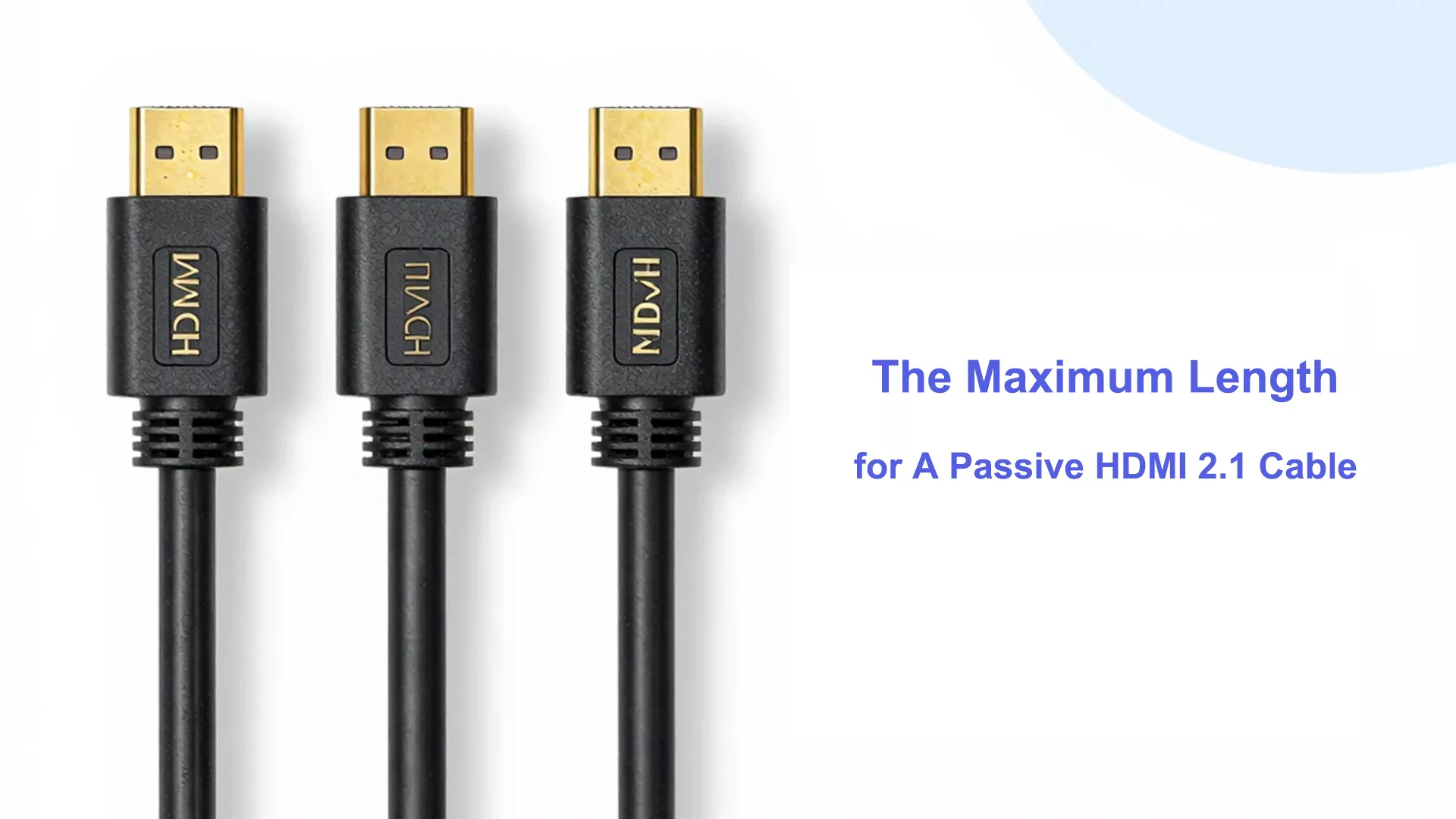
The maximum reliable length for a passive HDMI 2.1 cable to transmit the full 48Gbps bandwidth (supporting 8K@60Hz or 4K@120Hz) is typically 3 meters (about 10 feet). Beyond this length, severe signal attenuation occurs, leading to black screens or flickering. For AV installations requiring lengths greater than 3 meters, an Active Optical Cable (AOC) is highly recommended to guarantee lossless signal transmission.
Principais conclusões
- Passive HDMI 2.1 cables work best up to 7.6 meters. This is about 25 feet. This length gives good performance.c
- Cables longer than 3 meters can lose signal. You might see flickering or no picture.
- Check for the ‘Ultra High Speed’ label on cables. This label means the cable works for 4K and 8K video.
- Cable quality is important. Pick cables with strong shielding and thick wires. This helps keep the signal strong over distance.
- Keep HDMI cables away from power cords. Also, keep them away from wireless devices. This helps stop electromagnetic interference.
- For longer distances, use active HDMI cables or fiber optic cables. These help keep the signal good.
- Always clean the connectors before you use them. This stops bad contact and signal problems.
- If you have signal problems, try a shorter cable. You can also lower the video resolution to help performance.
Passive HDMI 2.1 Cables
What Is a Passive HDMI Cable
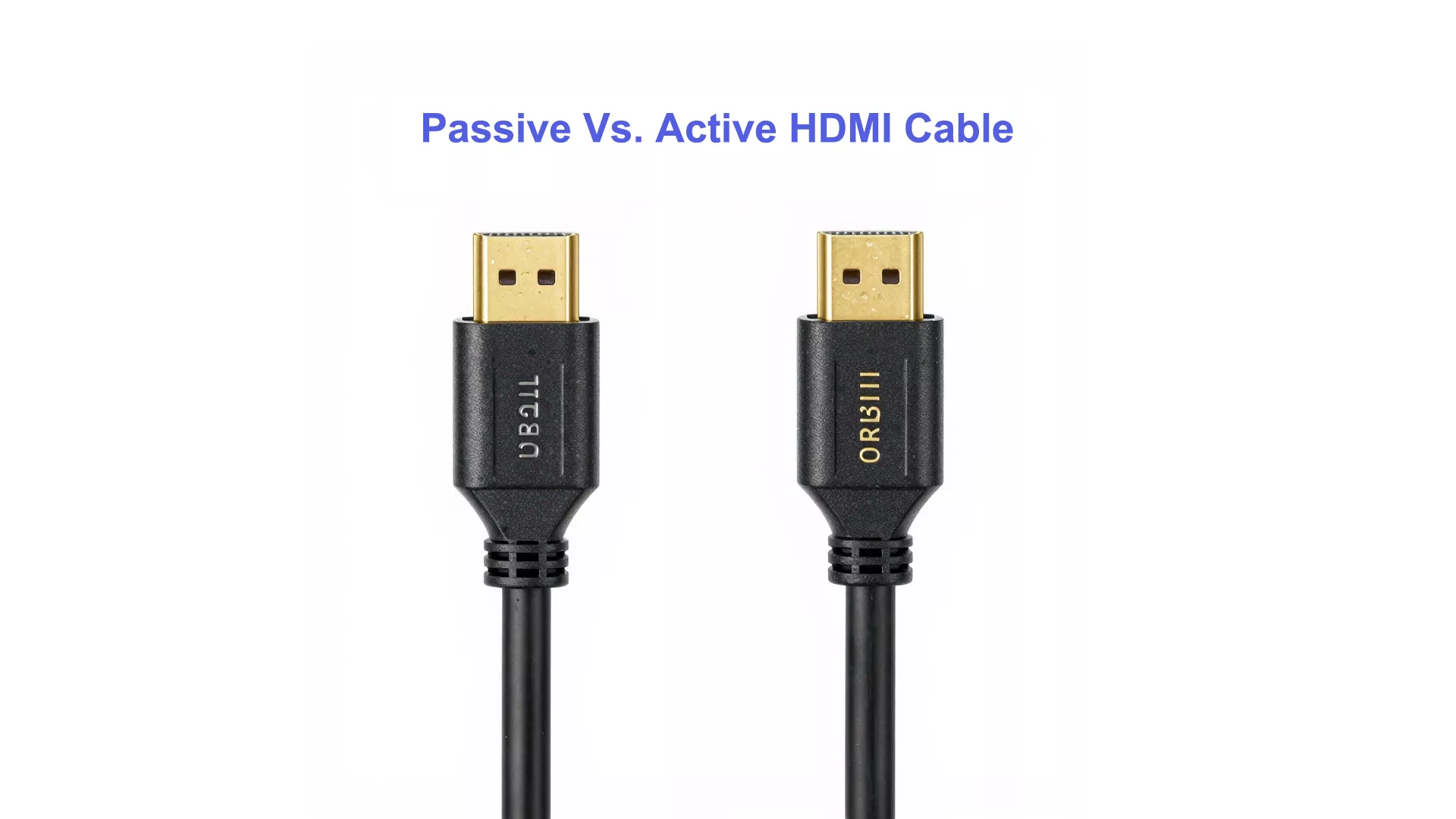
You might wonder what makes a cable “passive.” A passive HDMI 2.1 cable uses shielded copper wires to send signals. It connects your device to your screen. There are no built-in electronics or boosters inside. The cable depends only on the signal from your device. This simple design makes the cable cheap and easy to use.
New HDMI 2.1 cables work better than old ones. Features like Source-Based Tone Mapping (SBTM) help your device show better HDR images. Enhanced Audio Return Channel (eARC) lets you hear advanced audio like Dolby Atmos and DTS:X. HDMI 2.1 cables can handle up to 48Gbps bandwidth. This is much more than older HDMI cables. The extra bandwidth lets you watch 4K and 8K videos with high refresh rates.
Dica: O cable’s quality, how you bend it, and the resolution or refresh rate you use can all change how well your passive HDMI 2.1 cable works.
Passive vs. Active HDMI Cable
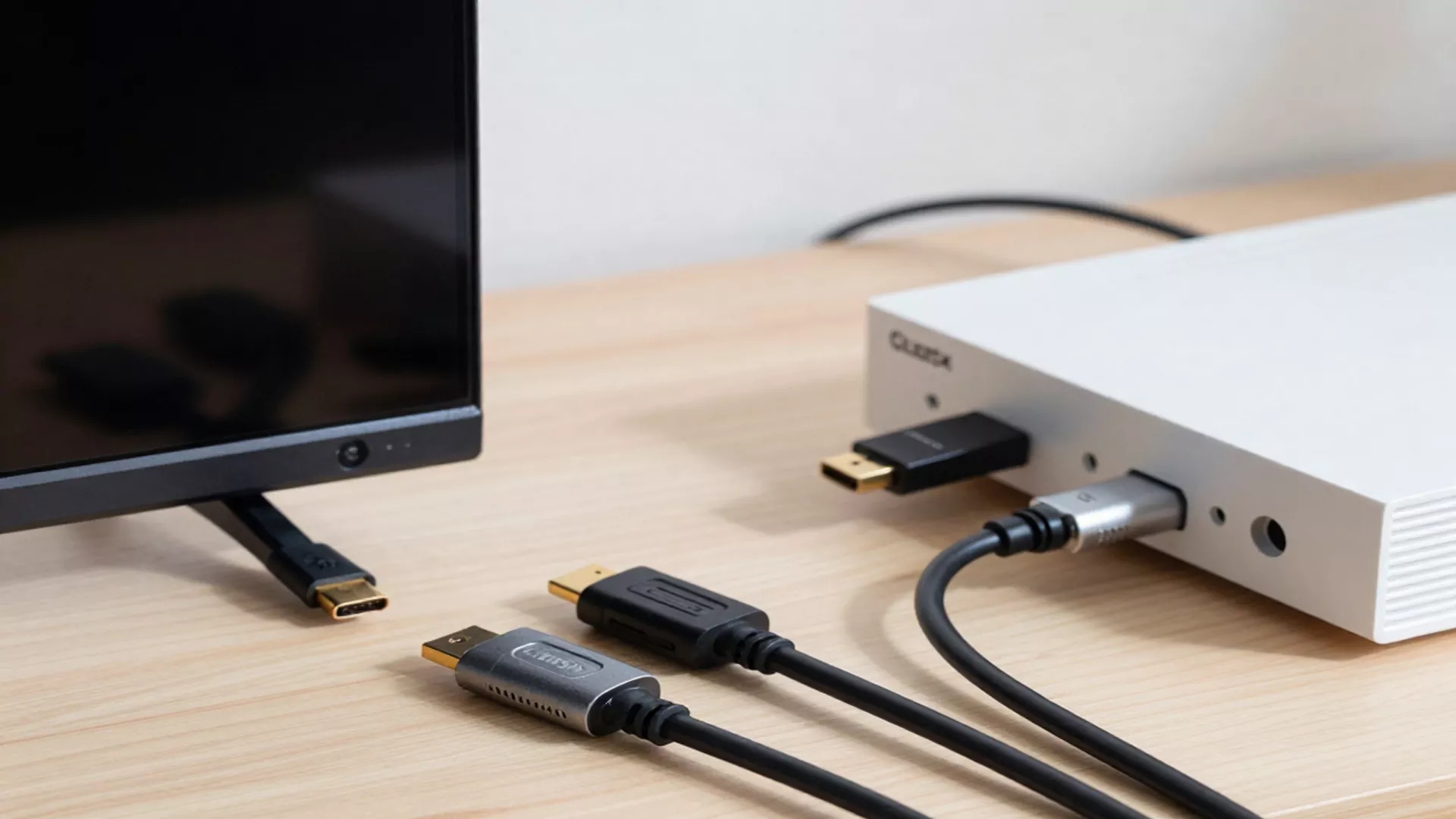
You may see both passive and active HDMI cables in stores. The main difference is how they send signals over distance. Passive HDMI 2.1 cables work best for short distances, usually up to 10 feet. The signal can get weaker if the cable is longer. Active HDMI cables have built-in tech to boost the signal. This lets you use much longer cables, sometimes up to 300 feet (Active Optical Cables), without losing quality.
Here is a quick comparison:
Recurso | Passive HDMI 2.1 Cable | Active HDMI Cable |
Maximum Length | Up to 10 feet | Can extend much further |
Construction | Shielded copper wiring | Signal boosting technology |
Signal Quality | May degrade beyond 10 feet | Maintains quality over longer distances |
Passive cables are good for most home setups. Active cables are better for big rooms or when you need to hide cables in walls or ceilings.
Passive HDMI Cable Typical Uses
You will see passive HDMI 2.1 cables in many daily situations. Most people use them to connect TVs, gaming consoles, or soundbars in their living rooms. These cables work well when your devices are close together.
Here are some common places where you might use passive HDMI 2.1 cables:
Environment | Descrição |
Home Theater | Connects devices like Blu-ray players, game consoles, and streaming boxes. |
Conference Rooms | Good for simple setups with cables hidden in walls for a neat look. |
- Home users pick passive cables because they are simple and work well.
- Conference rooms use passive cables when the cable is short and hidden for a tidy look.
If you need to go a longer distance, you should try active HDMI cables or other options. For most homes and offices, a passive HDMI 2.1 cable gives you the speed and quality you need without making things complicated.
The Engineering Behind the Limit: Why 3 Meters?
The Physics of Signal Degradation: Why the 10ft (3m) Threshold Matters
In the realm of Ultra High Speed HDMI® (Category 3), the physics of high-speed signaling is unforgiving. As data rates climb to 48Gbps (FRL – Fixed Rate Link), even premium 28AWG copper conductors encounter a “brick wall” of signal attenuation.
According to the HDMI 2.1a Specification, to maintain a Bit Error Rate (BER) of less than 10⁻¹², a cable must stay within strict Insertion Loss (IL) e Total Jitter limits. In our laboratory tests, we’ve observed that beyond the 3-meter mark, insertion loss in passive copper typically exceeds the -8dB threshold at 6GHz, leading to signal dropouts or the dreaded “no signal” screen. This is why the HDMI Forum primarily focuses its Ultra High Speed certification on lengths up to 3 meters for passive copper.
From a manufacturing and engineering perspective, pushing 48 Gigabits per second through standard copper wires is a significant physical challenge. The limitation of passive HDMI 2.1 cables boils down to two critical factors: Signal Attenuation e Electromagnetic Interference (EMI).
When high-frequency FRL (Fixed Rate Link) signals travel through copper wiring, electrical resistance increases with distance. By the time a 48Gbps signal reaches the end of a 5-meter passive cable, the “eye diagram” (a standard laboratory measurement for signal integrity) often collapses. This results in high bit-error rates (BER), causing HDCP handshake failures, dropped frames, or the dreaded “No Signal” display.
For commercial integrators, contractors, and wholesale buyers, understanding these physical limits is the key to reducing replacement costs and eliminating post-installation troubleshooting. Specifying the correct cable technology for the required distance significantly lowers your clients’ decision resistance, ensuring a “plug-and-play” experience that builds long-term trust.
Maximum Reliable Length for Passive HDMI 2.1 Cables
Certified Lengths
You might wonder how far a passive HDMI 2.1 cable can go before the signal gets weak. The Ultra High Speed HDMI certification says these cables work best up to 3 meters, which is about 10 feet. This length helps you watch 4K or 8K video with smooth pictures and no signal problems.
- The best length for passive Ultra High Speed HDMI cables is `s, or 10 feet.
- Some cables might reach 7.6 meters, or 25 feet, but you could see the screen flicker or lose signal.
If you use a cable longer than the certified length, you might see the screen flicker, hear sound dropouts, or lose the picture. Always look for the Ultra High Speed HDMI label when buying a cable. This label means the cable passed tough tests for speed and reliability.
Factors Affecting Length
How far a passive HDMI 2.1 cable works depends on a few things. Not every cable works the same, even if they look alike.
Cable Quality
Cable quality matters a lot for sending signals far. Good wires help the signal move better and reduce resistance. Bad cables might not have enough shielding, so the signal can get weak or mixed up. Try not to bend the cable too much, because that can hurt the wires inside.
Indicator | Impact on Length and Reliability |
Cable Quality | Good wires help signals travel farther and better. |
Cable Bending | Bending too much can make the signal worse. |
Resolução | Higher resolutions need better cables and shorter lengths. |
Refresh Rate | Faster refresh rates need more data, so cables must be shorter. |
To get the longest reliable length, pick a cable with thick wires and strong shielding. Look for “Ultra High Speed” on the package.
Environment
Where you put your cable can change how well it works. Things like wireless routers, Bluetooth speakers, and phones can cause electromagnetic interference, or EMI. EMI can make the HDMI signal weaker, especially if the cable does not have good shielding.
Cables should not give off much EMI. This helps stop problems with streaming players, Bluetooth devices, phones, and wireless controllers or headphones. Other devices can also make EMI, and that can mess up cables if they are not made well or do not have enough shielding.
Keep your HDMI cable away from power cords and other electronics. If you run the cable through a wall or ceiling, make sure it is not close to things that cause interference.
Struggling with Signal Loss Over 5 Meters?
Real-World Scenarios and Cable Limits
Some passive HDMI 2.1 cables might work longer than 5 meters. In real life, a good cable can sometimes reach 7.6 meters, or 25 feet, without big problems. But the best length still depends on your video resolution and refresh rate.
Fator | Impact on Cable Length |
Cable Quality | Better cables help signals travel farther. |
Resolução | Higher resolutions make cables work harder, so they must be shorter. |
Refresh Rate | Faster refresh rates need more data, so cables must be shorter. |
If you lower your resolution from 8K to 4K, you might get a longer cable length. For example:
- A good HDMI 2.1 cable can show 8K at 15 meters, or 50 feet.
- Lowering to 4K can make the signal better and let the cable work longer.
- Passive HDMI 2.1 cables usually start to lose signal at about 5 meters for 8K and 15 meters for 4K.
- Active HDMI cables can go up to 100 feet, or 30 meters, because they boost the signal.
Passive HDMI cables do not have boosters inside. If you need a cable longer than the best length, you should use an active HDMI cable or another solution.
HDMI Cable Technical Limits
Bandwidth Needs
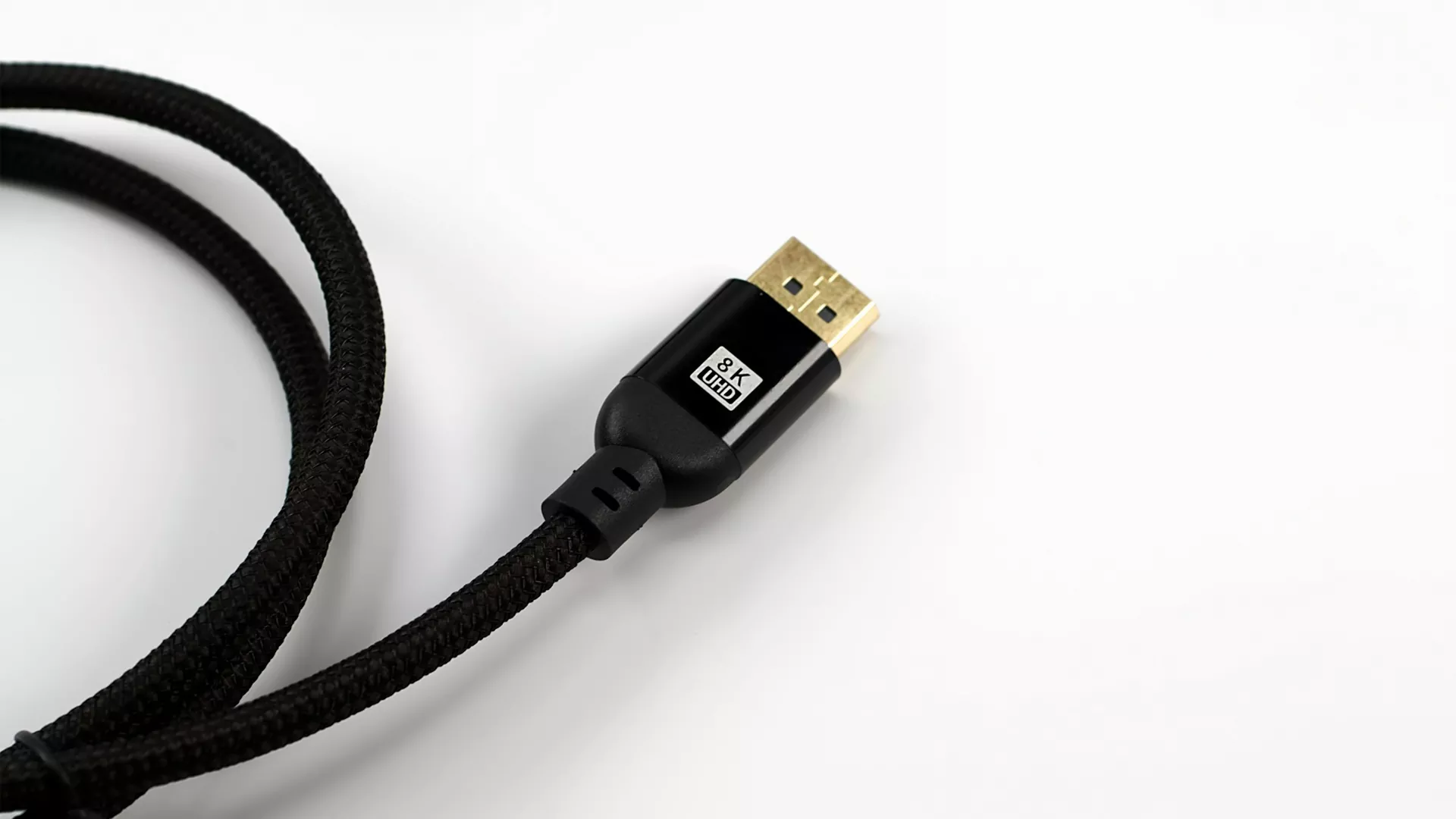
It is important to know how much data goes through an HDMI 2.1 cable. These cables can move up to 48Gbps of data. This fast speed lets you watch 4K video at 120Hz or 8K video at 60Hz. The high bandwidth also helps with things like HDR and better audio. If your cable cannot handle this much data, you might see problems with the picture or sound. The cable needs to keep up with what new TVs and game systems need. When your cable meets these needs, you get sharp pictures and smooth movement.
Perda de Sinal
Signal loss means the data gets weaker as it travels in the cable. Longer cables make this problem worse. You might see the screen flicker, lose some pixels, or hear sound cut out. The table below shows what can cause signal loss in passive HDMI 2.1 cables:
Fator | Impact on Signal Loss |
Cable Resistance | Gets higher with longer cables, which weakens the signal. |
Resolução | Higher resolutions make the cable work harder, so it must be shorter. |
Refresh Rate | Faster refresh rates need more data, so cables must be shorter. |
Cable Quality | Better cables lower resistance and keep the signal strong. |
Cable Bending | Bending too much can hurt the signal. |
Length Thresholds | 4K signals get weak at about 15m; 8K at about 5m. |
If your cable is longer than the best length, you might lose data. Good cables and careful setup help stop signal loss. Do not bend the cable too much or put it near things that cause interference.
Standards (UL, HDMI)
You should check that your HDMI 2.1 cable meets important standards. These rules help you trust that the cable will work well. Here are some main points:
- The HDMI 2.1a spec brings the Ultra High Speed HDMI Cable. This cable works with all HDMI 2.1a features, like uncompressed 8K at 60Hz and 4K at 120Hz.
- The Ultra High Speed HDMI Certification Program makes sure every cable passes tough tests. These tests check for good quality and reliability.
- Certified cables must pass tests at an HDMI Forum Authorized Testing Center. This helps set the best length for each cable type.
Por que a certificação é importante | What You Gain |
Cables meet specifications | Reliable video and audio |
Rigorous testing | Fewer signal problems |
Non-certified risks | Possible loss of quality |
Dicas profissionais: Need to 5 Common Certifications for HDMI Cable? Click above link to read our last post.
When you buy a certified cable, you know it meets the rules for speed and safety. Look for the Ultra High Speed HDMI label to make sure your cable works with your devices.
Real-World Experiences

Common Issues
You may notice that many people online ask about problems with passive HDMI 2.1 cables. On forums like Quora and Reddit, users often share stories about screens flickering, losing signal, or seeing strange colors. Some users report that their TV shows a “no signal” message after connecting a new cable. Others say their gaming console works fine at 1080p but fails at 4K or 8K.
Here are some common questions you might see:
- Why does my screen go black for a few seconds?
- Why do I lose sound when I use a longer HDMI cable?
- Why does my TV not show 4K even though my cable says HDMI 2.1?
- Why do I see sparkles or lines on my display?
You may also see users asking if their cable is fake or if they need to buy a more expensive one. Many people wonder if the problem comes from the cable, the device, or the TV. Some users try to fix the issue by unplugging and reconnecting the cable, but the problem often returns.
Observação: Most signal problems happen when you use a cable longer than 5 meters or when the cable does not have the Ultra High Speed label.
Solução de problemas
You can solve many HDMI 2.1 cable problems with a few simple steps. Try these tips if you see signal loss, image dropouts, or sound issues:
- Check the Cable Length:Make sure your passive HDMI 2.1 cable does not go over 5 meters. Shorter cables work better for high speeds.
- Clean the Connectors:Dust or dirt on the HDMI plug or socket can cause poor contact. Use a soft cloth to clean both ends.
- Simplify Your Setup:Connect only one source, one switch, and one TV. Remove extra devices and use the shortest cables possible.
- Test for Interference:Turn off your Wi-Fi or move wireless devices away from the cable. Sometimes, interference can cause dropouts.
- Lower the Resolution:Set your device to Full HD (1080p) and see if the problem goes away. If it works, try switching back to Ultra-HD.
- Check for HDCP Issues:Play non-encrypted content to see if the problem is with copy protection.
You can use this table to keep track of what you have tried:
Step | Did it Help? (Yes/No) |
Checked cable length | |
Cleaned connectors | |
Simplified setup | |
Tested for interference | |
Lowered resolution | |
Checked HDCP |
If you still have problems after these steps, you may need a new cable or an active HDMI solution. Always look for the Ultra High Speed HDMI label when you buy a new cable. This helps you avoid many common issues and enjoy the best picture and sound.
Solutions for Longer Runs

Active HDMI Cables
Sometimes you need to connect devices far apart. Active HDMI cables can help with this. These cables have special parts inside that make the signal stronger. You can use an active HDMI cable for up to 100 feet. The picture and sound will stay clear. Most active cables do not need extra power. They get power from your device.
Active HDMI cables are good for home theaters, classrooms, and offices. You can hide them in walls or ceilings. You do not have to worry about losing the signal or the screen flickering. Always check the cable’s specs before you buy one. Some active HDMI cables only work one way. You must plug the “source” end into your device. The “display” end goes into your TV or monitor.
Dica: Look for cables marked “Ultra High Speed.” Make sure they support HDMI 2.1 features like 4K at 120Hz or 8K at 60Hz.
Cabo HDMI de fibra óptica
Lorem ipsum dolor sit amet, consectetur adipiscing elit. Ut elit Tellus, luctus nec ullamcorper mattis, pulvinar dapibus leo.
Fiber optic HDMI cables use light to move signals. You can use these cables for very long distances. Some fiber optic HDMI cables can go up to 300 feet. You still get clear video and sound at high resolutions. Fiber optic cables do not get interference from other electronics. You can run them near power lines or wireless devices.
Fiber optic HDMI cables cost more than passive or active cables. You pay more, but you get better performance for long runs. These cables are thin and bend easily. You can put them in small spaces.
Here is a table that shows the cost for each cable type:
Tipo de cabo | Length | Cost Range |
Passive HDMI 2.1 | 10 feet | $10 – $15 |
Active HDMI 2.1 | 100 feet | ~$80 |
Fiber Optic HDMI 2.1 | 300 feet | > $120 |
Observação: Fiber optic HDMI cables are best for big rooms or pro setups. Use them when you need the best quality over long distances.
HDMI Over Ethernet
HDMI over Ethernet is another way to send signals far. You use HDMI extenders with Cat5e or Cat6 Ethernet cables. You can send HDMI 2.1 signals up to 300 feet. This works well for offices, schools, and conference centers. You do not need to buy long HDMI cables. You use short HDMI cables at each end and run Ethernet cable between them.
There are two types of HDMI extenders. One uses copper Ethernet cables. The other uses optical fiber. Optical fiber extenders can go almost 1,000 feet, but most people do not need that much distance. You get good video and sound with less interference.
- HDMI extenders work with most TVs, projectors, and computers.
- You can put Ethernet cables in walls or ceilings.
- You save money on long cable runs.
Chamar: If you need to connect devices in different rooms or on different floors, HDMI over Ethernet is a flexible and low-cost choice.
Passive Copper vs. Active Optical Cables (AOC): Which Do You Need?
When your AV project requires cable runs extending across boardrooms, home theaters, or digital signage walls, standard passive cables become obsolete. This is where Active Optical Cables (AOC) step in.
| Recurso | Passive HDMI 2.1 Cable | HDMI 2.1 AOC (Fiber Optic) |
| Max 48Gbps Length | Up to 3 Meters (10 ft) | Up to 100 Meters (328 ft) |
| Signal Transmission | Copper Wire (Electrical) | Fiber Optic (Light) + Copper (Power) |
| Directionality | Bi-directional | Directional (Source to Display) |
| EMI/RFI Resistance | Moderate (Depends on shielding) | Total Immunity (Zero interference) |
| Best Use Case | Desktop monitors, short TV setups | In-wall wiring, projectors, commercial AV |
Looking for Reliable Long-Distance Solutions? As an experienced OEM/ODM manufacturer, Cablink engineers advanced HDMI 2.1 AOC products that utilize premium fiber optics to deliver uncompressed 8K video over extreme distances. Our cables undergo rigorous ATC compliance testing to guarantee zero latency and zero signal loss, making them the ultimate choice for bulk procurement and professional installations.
Professional Sourcing & Installation Guide

Notes: Lab Data: Signal integrity verification of a 5m Passive HDMI 2.1 cable vs. a 15m Cablink AOC HDMI cable conducted in our certification lab.
Professional Sourcing Matrix: Choosing the Right HDMI 2.1 Solution for Your Project
While the theoretical limit for a passive HDMI 2.1 cable is often cited as 3 meters, real-world commercial installations require a more nuanced approach to ensure 48Gbps signal integrity. Whether you are outfitting a high-density AV rack, a corporate boardroom, or a luxury hospitality project, selecting the correct cable architecture is critical to avoid costly signal dropouts and system downtime. The following matrix provides a technical baseline for AV integrators and procurement managers to determine when to utilize high-spec passive copper versus switching to Active Optical Cable (AOC) technology.
| Installation Scenario | Distance | Recommended Cable Type | Technical Justification |
| Standard Home Theater | 1.0m – 3.0m | Passive Ultra High Speed | Cost-effective; maintains full 48Gbps bandwidth within the copper physical limit. |
| Professional AV Racks | 3.0m – 5.0m | High-Shielding Passive | Reinforced EMI protection (Zinc-alloy) to prevent crosstalk in interference-heavy racks. |
| Corporate / Hospitality | 5.0m – 50m+ | Active Optical Cable (AOC) | Zero-latency fiber core; immune to EMI; supports CMP (Plenum) fire-rated jackets for in-wall use. |
| Broadcasting / Medical | Custom | Hybrid AOC HDMI | Extreme stability for 8K/60Hz and 4K/120Hz medical imaging with zero compression. |
Como escolher o cabo certo
Você quer que sua configuração HDMI funcione bem. Escolher o cabo certo ajuda a obter boa imagem e som. Procure cabos que suportem largura de banda de 48 Gbps. Essa velocidade permite assistir a vídeos em 4K e 8K com movimentos suaves. Sempre verifique o comprimento do cabo. Cabos HDMI 2.1 passivos funcionam melhor com até 3 metros (10 pés). Cabos mais longos podem perder sinal e ter qualidade de imagem inferior.
Segue uma tabela para te ajudar a escolher:
Critérios | Passive HDMI 2.1 Cable | Notas |
Maximum Length | 10 pés | A qualidade do sinal diminui após esse período. |
Suporte de largura de banda | 48 Gbps | Necessário para vídeo e áudio de alta largura de banda. |
Signal Quality | Diminui com o comprimento | Cabos mais curtos mantêm a imagem nítida. |
Dica: Procure sempre pela etiqueta Ultra High Speed HDMI. Essa etiqueta significa que o cabo passou por testes rigorosos de velocidade e confiabilidade.
Verifique a garantia e o suporte antes de comprar. Muitas marcas oferecem garantia vitalícia. Algumas empresas oferecem suporte e auxílio com devoluções. Você pode registrar seu projeto para obter ajuda extra se estiver instalando cabos em uma empresa ou escola.
Recurso | Detalhes |
Garantia | Garantia vitalícia |
Apoiar | Serviços de suporte |
Solicitação de RMA | Solicite um RMA |
Registro do projeto | Formulário de Inscrição do Projeto |
Dicas de instalação
Você quer que seu cabo HDMI dure e funcione bem. Siga estas dicas para uma instalação tranquila:
- Use o cabo mais curto que você conseguir.
- Não dobre o cabo bruscamente. Curvas suaves protegem os fios internos.
- Mantenha o cabo longe de cabos de energia e dispositivos sem fio. Isso reduz a interferência.
- Teste o cabo antes de o esconder em paredes ou tetos.
- Certifique-se de que ambas as extremidades se encaixem firmemente nas portas HDMI.
Observação: Se você for passar cabos em uma parede ou teto, use conduítes para protegê-los. Isso facilita futuras atualizações.
Se você tiver muitos dispositivos, etiquete cada cabo. As etiquetas ajudam a encontrar o cabo certo rapidamente. Limpe os conectores antes de conectá-los. A poeira pode bloquear o sinal.
Quando atualizar
Às vezes, você precisa de algo mais do que um cabo HDMI passivo. Se o comprimento do cabo for superior a 5 metros, considere uma solução ativa ou de fibra óptica. Esses cabos mantêm o sinal forte em longas distâncias. Os cabos HDMI de fibra óptica funcionam bem em distâncias de até 100 metros, proporcionando vídeo e som nítidos, sem perda de sinal.
Segue abaixo uma tabela para orientá-lo na sua decisão de atualização:
Critérios | Recomendação |
Comprimento do cabo | Para instalações com mais de 5 metros, opte por soluções ativas ou de fibra óptica para manter a intensidade do sinal. |
Corridas muito longas | Os cabos de fibra óptica funcionam melhor em distâncias de até 100 metros. |
Flexibilidade de instalação | Utilize conduítes e evite interrupções no sinal para facilitar a instalação. |
Certificação de Cabos | Cabos passivos podem ser certificados até 5 metros. Cabos ativos não podem ser certificados. |
Recommended Cable Type | Para instalações de 15 metros (50 pés), cabos de fibra híbridos como o Ruipro 8k Gen-3b oferecem confiabilidade. |
⚡ Chamar: Troque o cabo se notar oscilações na imagem, falhas no som ou baixa qualidade de imagem. Cabos mais novos suportam velocidades mais altas e oferecem melhores recursos.
Antes de atualizar, verifique seus dispositivos e necessidades. Se você se mudar para um cômodo maior ou quiser resoluções mais altas, um cabo melhor ajudará você a aproveitar filmes e jogos sem problemas.
Conclusão
É importante saber que os cabos HDMI 2.1 passivos funcionam melhor em distâncias de até 3 metros. Se o cabo for mais longo, o sinal pode ficar fraco. Isso é um problema maior ao assistir vídeos em 8K. Se precisar de maior alcance, use cabos HDMI ativos ou de fibra óptica. Escolha cabos certificados para obter a melhor imagem e som.
Certifique-se de que seu cabo seja certificado e instale-o corretamente. Isso ajudará você a obter vídeo e som nítidos sempre. Entre em contato com a Cablink hoje mesmo. Para solicitar uma amostra GRÁTIS!
Perguntas frequentes
Como saber se o seu cabo HDMI 2.1 é passivo ou ativo?
Você pode verificar a embalagem ou o próprio cabo. Cabos passivos não possuem componentes eletrônicos adicionais nem conectores de energia. Cabos ativos geralmente têm uma etiqueta ou uma pequena caixa perto de uma das extremidades.
É possível usar um cabo HDMI 2.1 passivo para jogos em 4K a 120Hz?
Sim, você pode usar um cabo HDMI 2.1 passivo para jogos em 4K a 120Hz se o cabo for curto — com menos de 5 metros. Certifique-se de que o cabo tenha a etiqueta Ultra High Speed HDMI.
O que acontece se o seu cabo HDMI 2.1 for muito comprido?
Você pode notar oscilações na tela, perda de som ou a mensagem "sem sinal". A imagem também pode ficar desfocada ou apresentar linhas. Cabos mais curtos ajudam a evitar esses problemas.
Todos os cabos HDMI 2.1 suportam vídeo 8K?
Não, nem todos os cabos HDMI 2.1 suportam 8K. Você precisa de um cabo HDMI de Ultra Alta Velocidade certificado. Sempre verifique a etiqueta antes de comprar.
É possível dobrar um cabo HDMI 2.1 durante a instalação?
Você pode dobrar o cabo suavemente, mas evite curvas acentuadas. Curvas acentuadas podem danificar os fios internos e causar perda de sinal. Para melhores resultados, utilize curvas amplas.
Como resolver problemas de sinal com um cabo HDMI 2.1 passivo?
Experimente estes passos:
- Use um cabo mais curto.
- Limpe os conectores.
- Afastar o cabo de outros aparelhos eletrônicos.
- Diminua a resolução do vídeo.
É seguro passar cabos HDMI 2.1 por dentro das paredes?
Sim, você pode passar cabos HDMI 2.1 por dentro das paredes. Escolha cabos próprios para instalação embutida. Use conduítes para proteger o cabo e facilitar futuras atualizações.
Posso usar um cabo HDMI 2.1 passivo de 5 metros se minha TV for apenas 4K a 60Hz?
Sim. Embora um cabo de cobre passivo de 5 metros não consiga transmitir de forma confiável os 48 Gbps necessários para 8K ou 4K a 120 Hz, geralmente é suficiente para transmissão de 18 Gbps (especificações HDMI 2.0 para 4K a 60 Hz). No entanto, para garantir compatibilidade futura, o uso de um cabo AOC ainda é recomendado para cabos com mais de 3 metros.
Quais são os sintomas comuns de um cabo HDMI muito comprido?
Se um cabo passivo exceder seu comprimento confiável, você poderá observar "faíscas" (pixels brancos piscando em fundos escuros), interrupções intermitentes de áudio, oscilação da tela ou uma falha completa na comunicação HDCP, resultando em uma tela preta.
Cabos HDMI passivos podem causar atraso de entrada em jogos se forem muito longos?
Não. O sinal elétrico viaja a uma fração da velocidade da luz; a distância não cria um atraso de entrada mensurável. No entanto, exceder o comprimento máximo causa atraso no sinal. degradação e perda de pacotes, fazendo com que a tela descarte a imagem completamente em vez de apenas atrasá-la.
Por que algumas marcas anunciam cabos passivos 8K de 5 metros ou até mesmo de 8 metros?
Embora alguns cabos de cobre passivos altamente especializados, com blindagem reforçada (e muito espessos/inflexíveis), possam tecnicamente transmitir um sinal de 48 Gbps a 5 metros em um ambiente de laboratório controlado, sua taxa de falhas no mundo real é inaceitavelmente alta. Compradores B2B devem evitá-los para minimizar os riscos de RMA (Autorização de Devolução de Mercadoria).
É melhor usar um repetidor/extensor HDMI ou um AOC para uma conexão de 15 metros?
Cabos Ópticos Ativos (AOC) são a escolha superior. Repetidores introduzem pontos adicionais de falha, requerem fontes de alimentação externas e podem apresentar dificuldades com os complexos protocolos EDID de recursos modernos do HDMI 2.1, como VRR e ALLM. O AOC oferece uma solução integrada com um único cabo.
Os cabos ópticos ativos (AOC) requerem alimentação externa?
Não. Os AOCs de alta qualidade obtêm a voltagem mínima necessária (5V) diretamente da porta de origem HDMI (como a da sua Apple TV, PS5 ou PC) para alimentar os chips de conversão fotoelétrica localizados dentro dos conectores.
A interferência eletromagnética (EMI) dos cabos de alimentação pode afetar minhas conexões HDMI 2.1 passivas?
Com certeza. Se você passar cabos HDMI de cobre passivos paralelamente a fios de energia CA dentro de uma parede, a interferência eletromagnética (EMI) pode degradar severamente o sinal de alta frequência de 48 Gbps. É por isso que os cabos ópticos de fibra óptica (AOCs), que usam luz em vez de eletricidade para transmissão de vídeo, são imunes à EMI e são padrão para roteamento comercial.
Os cabos HDMI passivos são direcionais?
Não, os cabos de cobre passivos são bidirecionais; você pode conectar qualquer extremidade à fonte ou ao monitor. No entanto, Os cabos ópticos ativos são estritamente direcionais.. Eles possuem etiquetas específicas de “Fonte” e “Exibição” nas cabeças dos conectores, que devem ser seguidas durante a instalação.
Qual é o comprimento máximo para transmissão de áudio HDMI 2.1 eARC?
Os dados de áudio exigem uma largura de banda significativamente menor do que o vídeo 8K não comprimido. Um cabo passivo de alta qualidade pode transmitir áudio eARC com sucesso a uma distância de até 5 metros. No entanto, como o sinal de vídeo provavelmente falhará nessa distância, um conversor analógico-digital (AOC) é necessário para a configuração AV completa.
Como distribuidores e instaladores podem garantir a confiabilidade ao comprar cabos HDMI longos em grandes quantidades?
Sempre solicite a certificação ATC (Centro de Testes Autorizado) do seu fabricante. Certifique-se de que os cabos possuam revestimento robusto em PVC ou com classificação CL3 para segurança em instalações embutidas na parede e faça a transição para a tecnologia AOC para quaisquer itens em estoque com mais de 3 metros (10 pés) para garantir a satisfação do cliente e eliminar custos com chamadas de serviço.
Por que cabos HDMI 2.1 passivos com mais de 5 metros frequentemente falham em manter a resolução 4K a 120Hz?
Em comprimentos superiores a 5 m, a impedância natural do cobre e efeito na pele Isso causa uma atenuação significativa dos sinais FRL de alta frequência. Embora um cabo possa funcionar para 4K@60Hz (TMDS), o salto para 48Gbps (FRL) excede a capacidade física do cobre passivo além de 3 a 5 metros.
Posso usar amplificadores de sinal ativos para estender cabos HDMI 2.1 passivos?
Embora possível, os reforços externos frequentemente introduzem tremor e problemas de compatibilidade com HDCP 2.3. Para instalações profissionais, recomendamos Hybrid AOC HDMI Cabos que integram o chipset diretamente nos conectores para uma conexão perfeita e alimentada pelo barramento.
Qual é o retorno sobre o investimento (ROI) da mudança de um sistema de certificação passiva para um sistema de certificação ativa (AOC) em projetos de grande escala no setor hoteleiro?
Embora os cabos AOC tenham um custo inicial mais elevado, eles eliminam a necessidade de extensores HDBaseT caros e reduzem drasticamente os custos de mão de obra associados à resolução de problemas de perda de sinal, proporcionando uma experiência mais acessível. Custo Total de Propriedade (TCO) Para integradores profissionais.